
Interactive tools#
pypillometry has two interactive tools that open in their own
window. They use VisPy for fast OpenGL rendering, so
even long recordings (60+ minutes at 1000 Hz) can be browsed smoothly.
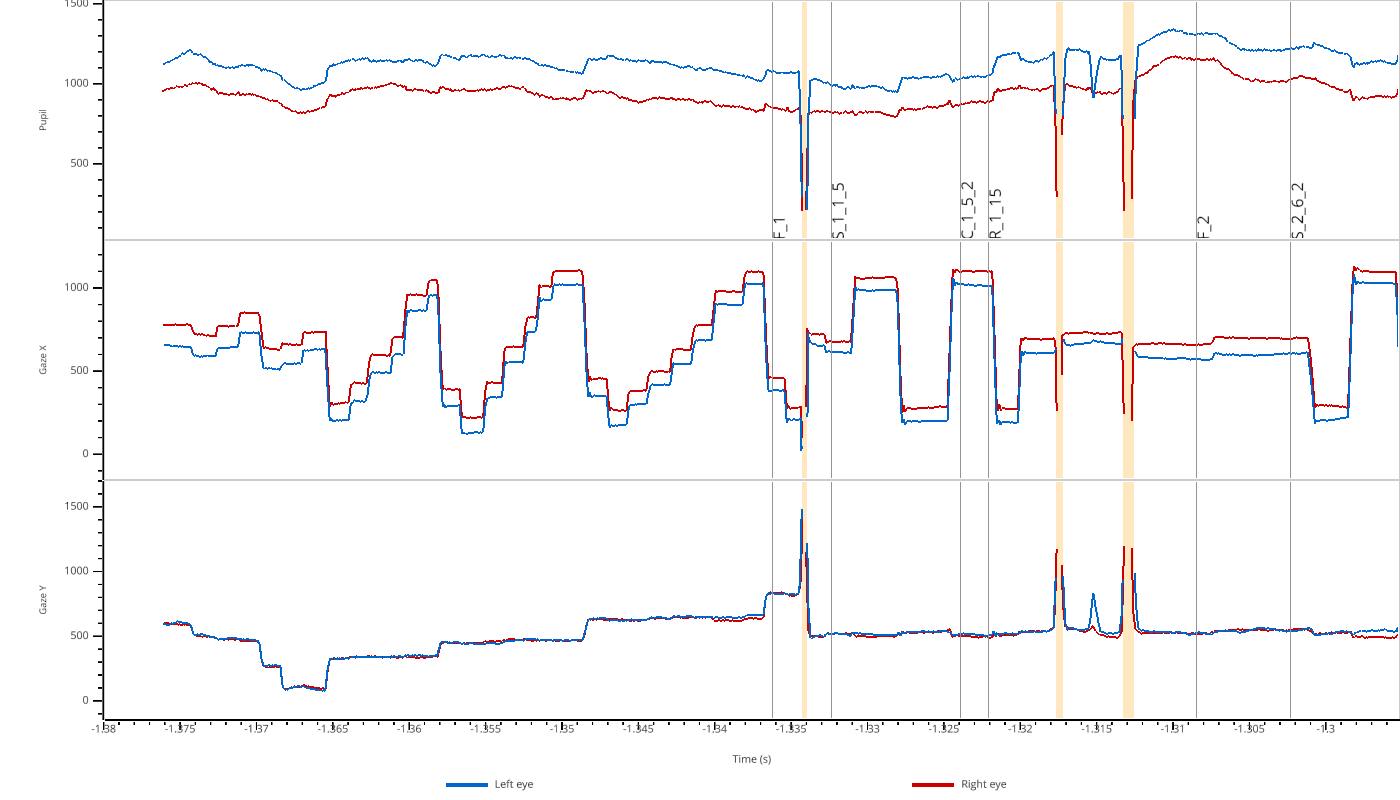
view(): browse recordingsExplore an EyeData object or numpy arrays: zoom, scroll,
show masked regions and events, overlay several signals and select
regions. Also available from the command line as pypilview.
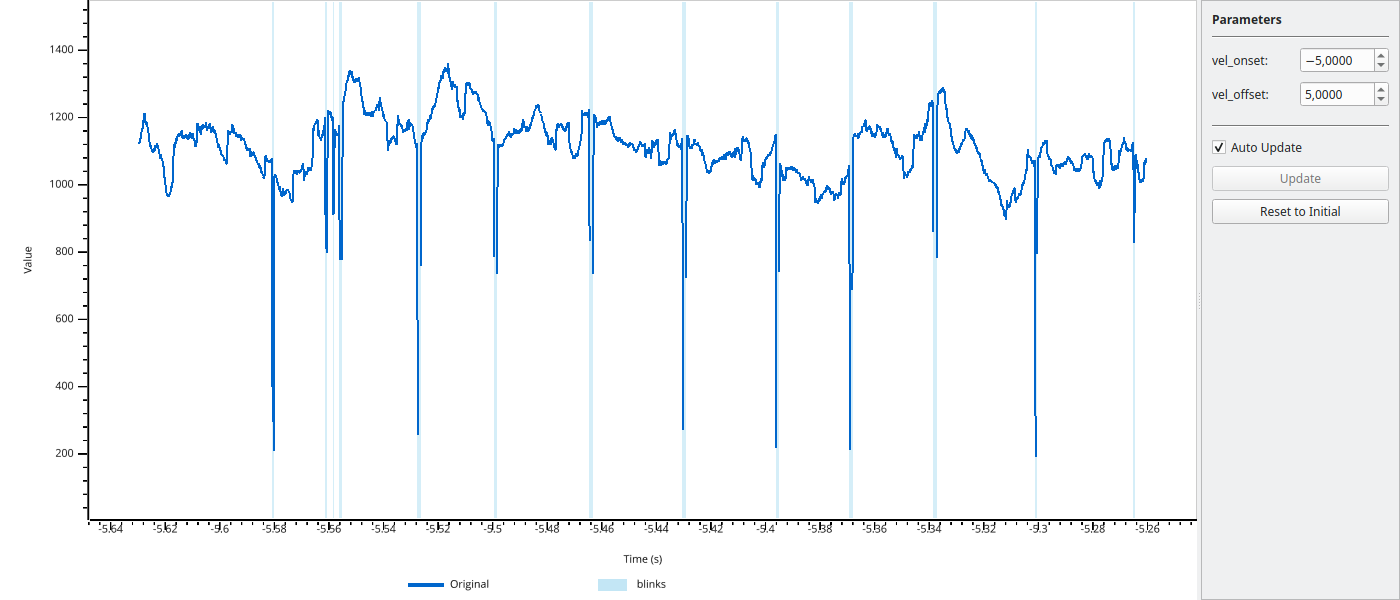
tweak(): tune parametersTune the parameters of a function (e.g., a filter or blink detection) while you see the result on the data.
Both tools share their keyboard shortcuts. Press H or ? in the window to see them.
Note
The tools need a display. They do not work on headless servers or in Binder sessions.